What you need
- Windows (the full download carries its own Python), or macOS or Linux with Python 3.10 or newer.
- An internet connection once, to download Quill. After that, none.
Step by step
Download once, then go offline
Download Quill from its itch.io page and unzip it. On Windows, double-click
install_quill.bat: it copies Quill to your own user folder and puts a shortcut on your desktop. Now you can turn the Wi-Fi off.Start a book
Give it a working title, and your name if you want it on the title page. Quill asks once whether it may check for updates. Say no if you want it fully offline; you can change your answer under About.
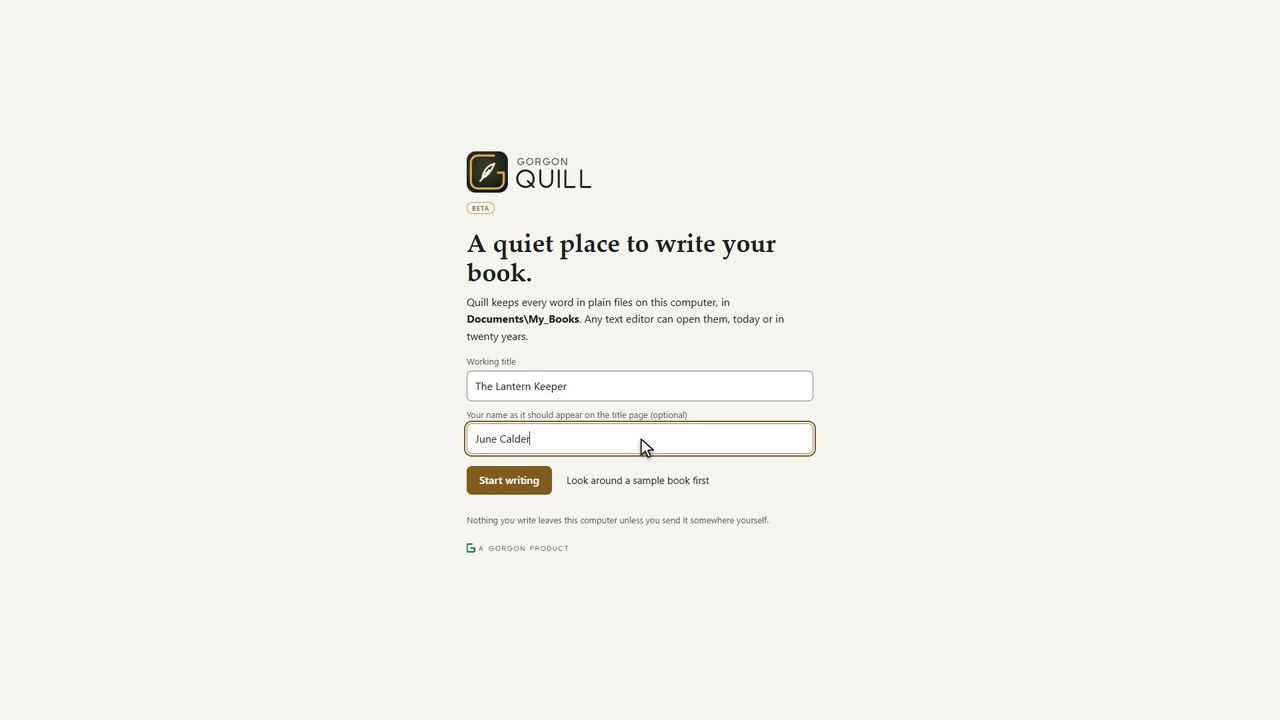
"Nothing you write leaves this computer unless you send it somewhere yourself." Write
Quill saves while you type; the dot at the top says Saved. Today's words count toward a daily goal if you want one. Focus hides everything but the page.
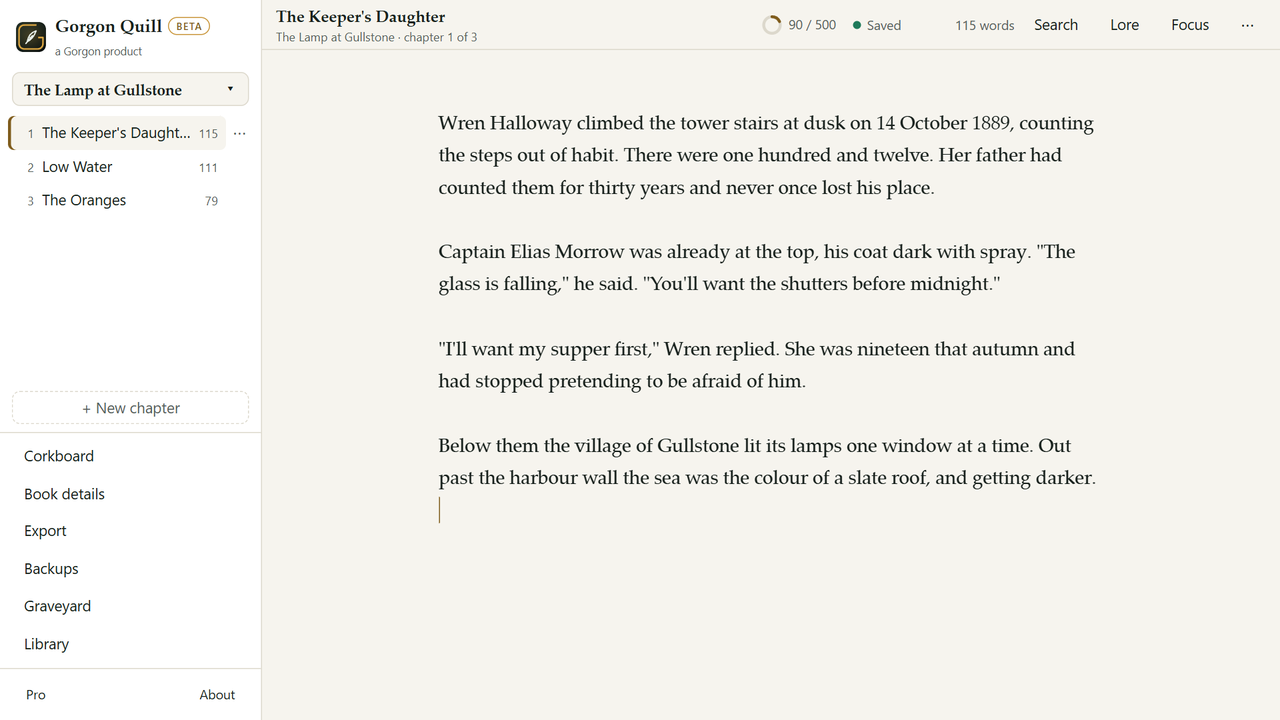
Writing, with the chapter list on the left. Export when you are done
Export makes a web page, Markdown or plain text on the free plan. Pro adds EPUB for ebook readers, Word for editors and agents, and a print-ready PDF. The files go to
exportsinside the book's folder.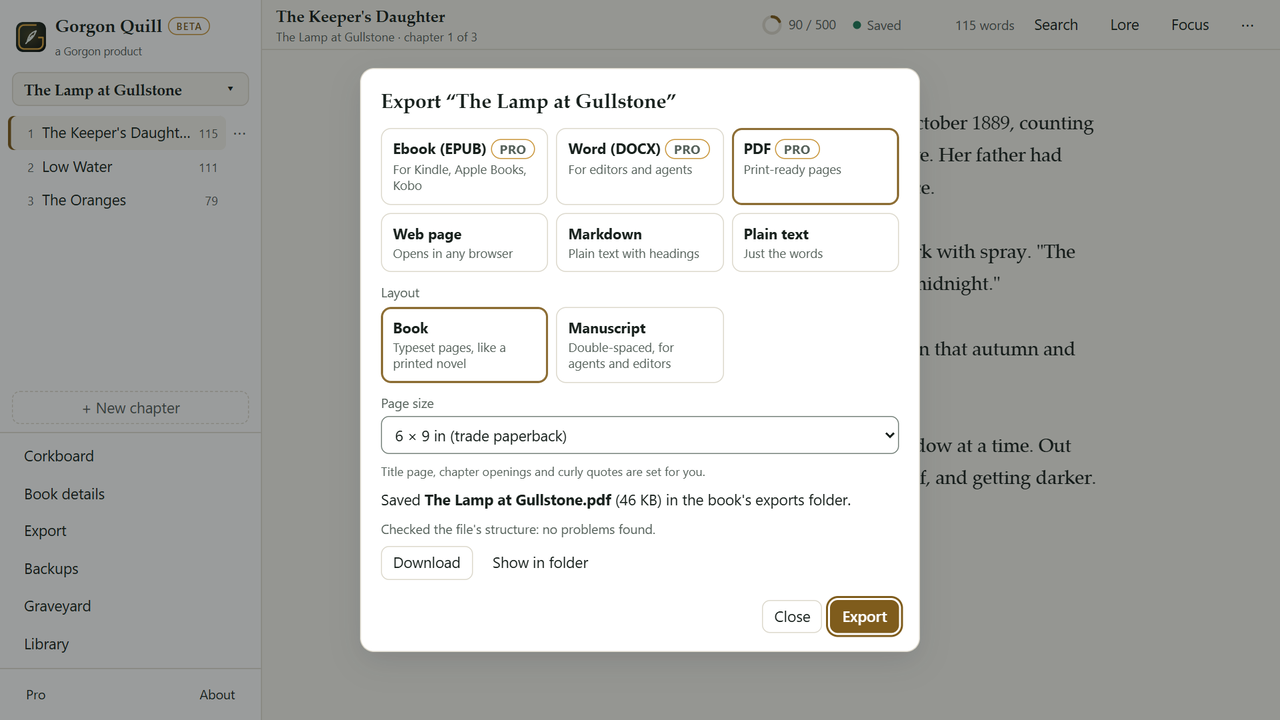
Export, all on your own computer.


The same steps, moving
Which parts of Quill ever go online
- Update checks, only if you said yes: once a day Quill asks the Stark site whether a newer version exists.
- The Library panel, only when you turn it on and search: public-domain books, Wiktionary, Wikipedia and Open Library. It sends nothing about you or your books.
- Pro keys are checked on your computer, with no account and no internet.
What it can't do
- Phone writing (Pro) works over your home Wi-Fi, between your phone and your own computer. It is the one feature that needs a network, though not the internet.
- Quill is in beta, and it is mostly just me making it. If something goes wrong, please tell me.
Questions people ask
Is there a free version?
Yes. The Free plan covers writing, chapters, backups, the paragraph graveyard and txt, md and html export.
What happens if I stop paying for Pro?
The app switches to Free. Nothing is deleted or locked.
Where are my books stored?
As plain files in Documents\My_Books on your own computer.
Try it yourself
A free offline writing app for novelists. Your books are plain text files in your Documents folder. No cloud, no lock-in; the Free edition stays free and Pro is a 12-month key. A Scrivener alternative that keeps everything local.